How to Create an AI Agent or Model
Learn how to create an AI agent or model with clear steps, free tools, prompt tips, safety checks, testing metrics, and launch advice for beginners.

Understanding AI Agents
An AI agent is software that works toward a goal. It reads input, plans steps, uses tools, and returns a result.
Unlike a basic chatbot, an agent can choose its next action. It may search files, check stock, sort tickets, or draft replies.
Start with one narrow task. A small scope makes testing easier and keeps costs low. It also shows where the agent needs better data or rules.
- Support agents answer common customer questions.
- Research agents gather facts from approved sources.
- Work agents move data between approved tools.
- Learning agents guide users through fixed lessons.
Set a clear goal before you build. For example, aim to cut first reply time by 30 percent.
Good limits matter as much as good answers. Keep people in control of risky actions.
If you ask, “how do I create an AI agent,” begin with the task. Do not begin with a complex tool.
The same advice answers “how do you create an AI agent?” Define its goal, limits, data, and success measure first.
Key Components of AI Models
Most agents use a model, data, tools, rules, and an interface. Each part has a clear job. One weak part can limit the full system.
The model finds patterns and predicts useful outputs. Machine learning models learn from examples. Language models handle chat, text review, and prompt response.
Data gives the model useful context. It may include help pages, product records, or past support cases.
An algorithm defines how the system learns or picks an action. Tool access lets the agent call a search service or database.
| Part | Purpose | Example |
|---|---|---|
| Model | Creates an answer or prediction | Language model |
| Data | Supplies facts and examples | Help files |
| Tools | Lets the agent take actions | Stock lookup |
| Interface | Connects users to the agent | Web chat |
| Rules | Sets limits and safe actions | Refund approval |
AI model creation does not always mean training a new model. Most small teams connect an existing model to trusted data and tools.
To create an AI model from scratch, you need clean data and strong hardware. You also need tests, code, and time.
For many projects, you can create your own AI model by tuning an open model. This route costs less than full model training.
The Hugging Face model guides cover model use, data sets, and tuning methods.

Steps to Create Your AI Agent
AI agent development follows three broad phases. These are planning, building, and shipping.
The steps below show how to create an AI agent from scratch. They also work with a no-code builder.
1. Define the task
Write the user problem in one sentence. List the input, expected result, and allowed actions.
Mark actions that need approval. A support agent may read an order. It should not issue a refund alone.
2. Choose the model and data
Pick a model that fits the task, budget, and privacy needs. Gather trusted files and remove old records.
Split long files into small sections. Add the source name and update date. This helps the agent find the right passage.
3. Create clear prompts
A prompt is an instruction that guides the model. State the role, task, limits, and output format.
To learn how to create AI prompts, start with one clear goal. Add two strong examples when the format must stay fixed.
Tell the agent when to say, “I do not know.” This rule can cut made-up answers.
4. Add one tool
Connect the model to your app through an API. An API lets two software systems share requests and results.
Add one tool first. Log each request, answer, tool call, and error.
Narrow permissions reduce harm when the model fails. Use approval checks for payments, account changes, and private records.
5. Test the first version
Create a test set with easy, common, rare, and unsafe requests. Score each answer against a clear guide.
Ask a second reviewer to check some results. Compare the agent with a simple rule-based process.
6. Deploy with care
Start with a small user group or one task type. Add a human handoff for low-confidence cases.
Tell users when a machine produced the answer. Review logs each week during the first month.
This process explains how to create your own AI agent without overbuilding. Small releases make each fix easier to check.

Choosing the Right Tools
Your tool choice depends on skill, budget, data, and risk. Hosted models offer fast setup. Local models offer more control.
Paid model APIs suit teams that need strong output and quick shipping. Free tools suit learning, small tests, and low-volume work.
A no-code builder can help you create an AI agent without coding. It may offer a visual flow, prompt fields, and ready-made tool links.
Code gives you more control over data, access, errors, and user flows. Python is a common choice for model work. Frameworks can help link models, tools, and stored data.
- Use a hosted API for a fast first test.
- Use an open model when local control matters.
- Use a no-code tool for simple workflows.
- Use a code framework for custom rules and deep testing.
Free plans often limit speed, storage, or daily requests. Check those limits before you promise a service to users.
Choose the smallest tool that meets the need. Simple builds are easier to fix.
Tips for Effective AI Development
Good AI development starts with useful data. Remove private details unless you have a clear reason to keep them.
Set access rules for files and tools. Keep secret keys outside prompts and source code.
Design the user flow around clear next steps. Show what the agent can do. Let users correct errors without starting over.
Keep answers short when the task is simple. Offer sources when the agent uses stored files.
Plan for failure from the first build. The agent should pause when data is missing or a tool fails.
Do not let a model approve high-risk actions alone. Add a human check for refunds, legal choices, and account changes.
Track each model version and prompt change. This record helps you link changes to better or worse results.
Testing and Tuning Your AI Agent
Testing should cover real use, not just easy sample questions. Add unclear, harmful, and out-of-scope requests.
Measure answer quality with a clear score guide. Use the same test set when you compare model versions.
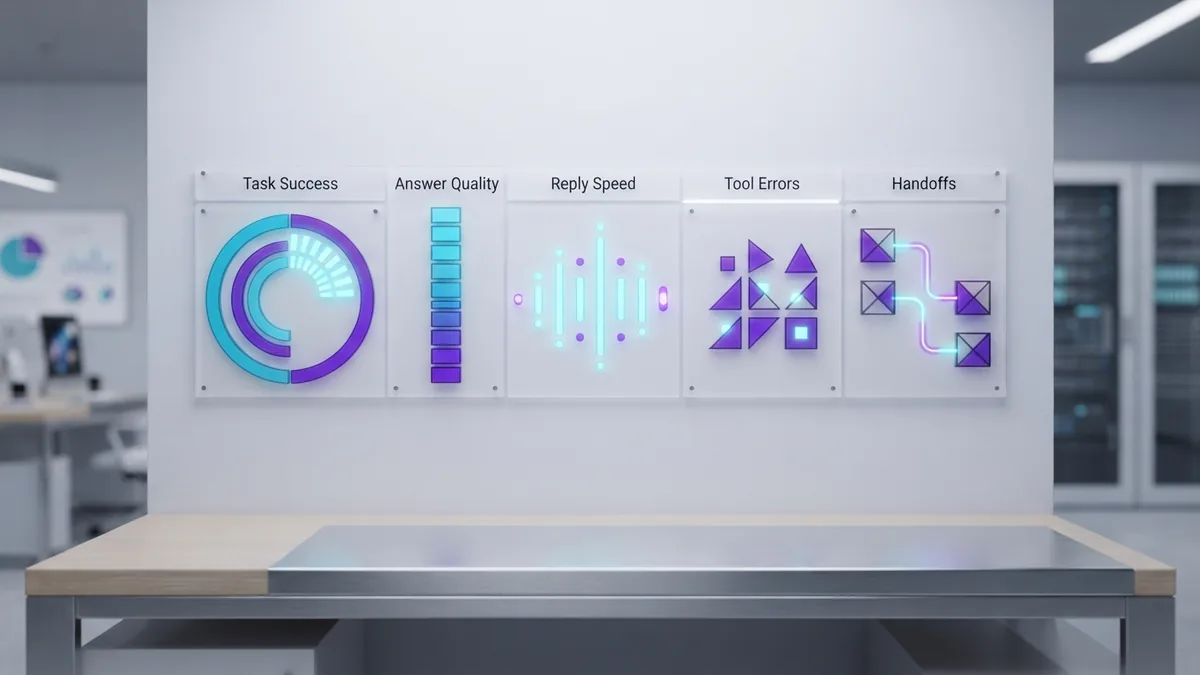
| Metric | What it shows | Useful signal |
|---|---|---|
| Task success | Whether the agent solved the request | Higher is better |
| Grounded answer rate | Whether claims match trusted data | Higher is safer |
| Tool error rate | How often actions fail | Lower is better |
| Reply time | How long users wait | Lower is faster |
| Handoff rate | How often staff must step in | Review by task type |
Read user feedback beside these numbers. A fast answer still fails if it misses the user’s need.
Change one part at a time. Test the prompt, data, model, or tool link in separate rounds.
Watch for drift after launch. New products, rules, and user habits can lower answer quality.
Free Resources and Tools for AI Creation
You can learn how to create an AI agent for free with small local tests. Start with public guides, open models, and sample data.
Use free notebooks to run short experiments. Use open model hubs to compare model size, task fit, and license terms.
Free resources can teach you how to create an AI model. They cannot remove the need for data checks, tests, and safe tool rules.
- Read model documentation before you pick a model.
- Try a small data set before collecting more data.
- Build one prompt and one tool before adding more.
- Keep a test log for each change.
- Check the license before commercial use.
People who ask how to create their own AI agent often need a clear first project. Build a support helper, file search tool, or study guide.
Those projects teach the core skills without large costs. They also give you useful test results.
For safe design guidance, review the NIST AI Risk Management Framework. It gives teams a practical way to spot and manage AI risks.
Step-by-step
- 01 Define the agent task
Write the user problem in one sentence. List inputs, outputs, limits, and actions that need approval.
- 02 Choose a model and data
Pick a model that fits your task, budget, and privacy needs. Gather trusted files and remove old records.
- 03 Write the prompt
State the agent role, task, limits, and output format. Add examples when the format must stay fixed.
- 04 Connect one tool
Link one search service, database, or app action. Keep permissions narrow and log each tool call.
- 05 Test the first version
Use easy, rare, unclear, and unsafe requests. Score each answer with a clear guide.
- 06 Deploy to a small group
Start with one task or user group. Add a human handoff for failed or uncertain cases.
Frequently asked questions
- How do I create an AI agent?
- Start with one clear task, then choose a model, data source, tool, and user flow. Test the first version before adding more actions.
- How can I create an AI agent for free?
- Yes. You can use a free notebook, open model, or no-code plan for a small test. Free plans often limit speed, storage, or daily use.
- How do I create my own AI model?
- Use clean examples, a suitable model, and a test set. Most projects should tune or connect an existing model instead of training one from zero.
- How do I create AI prompts?
- A prompt states the role, task, limits, and output format. Add examples when the answer must follow a fixed pattern.
- What do I need to create an AI agent from scratch?
- You need a clear goal, trusted data, tools, rules, and an interface. You also need tests and a plan for human review.
- How do I test and improve an AI agent?
- Track task success, answer quality, tool errors, reply time, and handoffs. Review these measures with user feedback after launch.
Related reading

Self-Learning AI: How It Works and How to Build It
Learn how self-learning AI works and how to build one in Python.

How to Set Up the Janitor AI API Step by Step
Connect Janitor AI to OpenRouter or Nebula Block with clear setup steps.

What Is RAG in AI? A Plain-English Guide
A clear guide to RAG, its pipeline, benefits, uses, and link to agentic AI.