Build an AI Agent That Handles Real Work
Plan, build, and test an AI agent for a focused task.
Define the Purpose of Your AI Agent
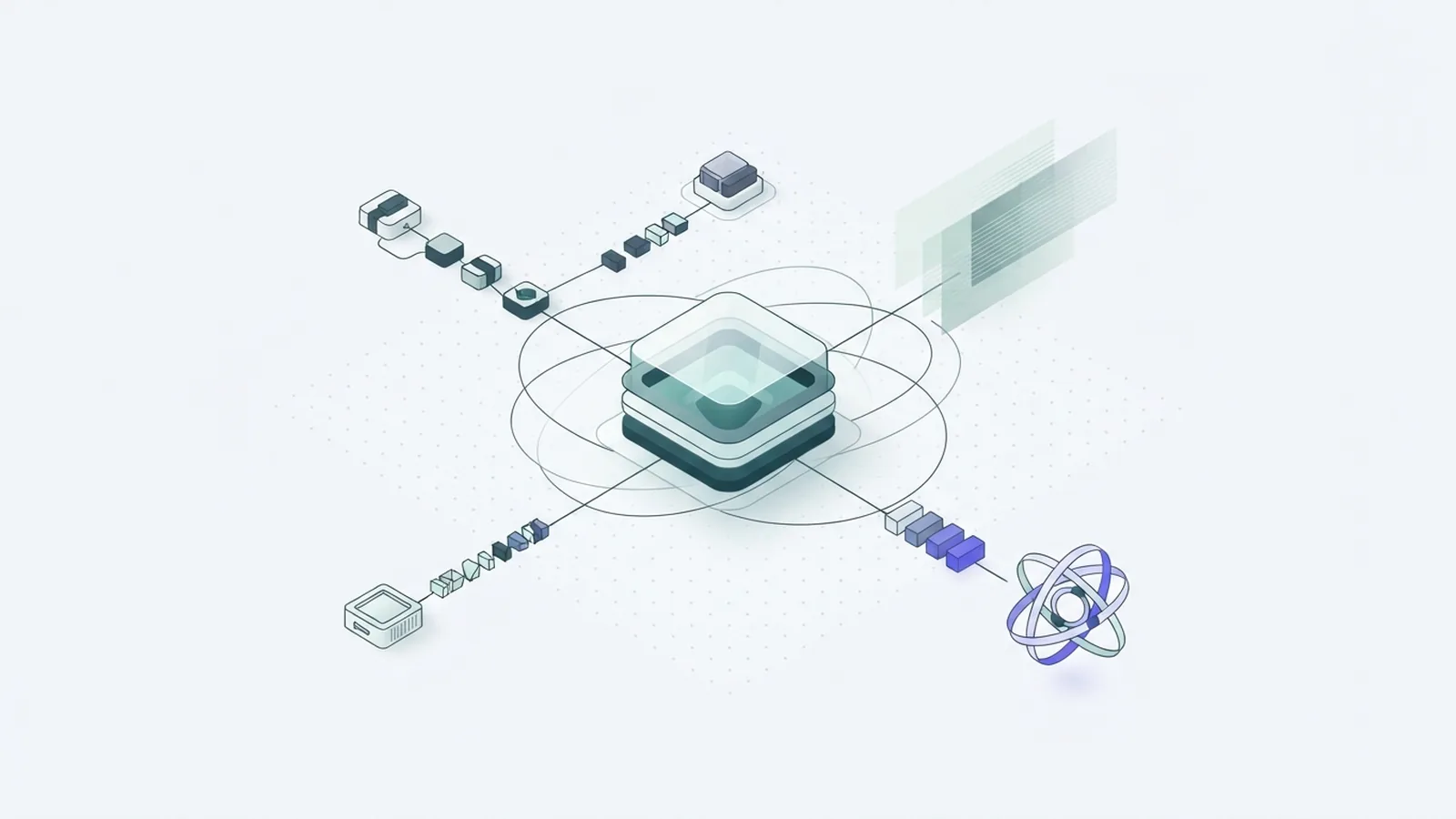
To learn how to make an AI agent, start with one task that needs doing. An agent can sort requests, find records, draft replies, or route work. It can support many roles beyond chat.
Write a problem statement that names the user, the task, and the result. For example: “Help support staff find the right return policy and draft a reply.” This gives you a clear way to judge the first build.
Set limits before you choose tools. List what the agent may do, what it must not do, and when a person should step in. A policy lookup may be safe to automate. A refund or account change may need staff approval.
- User: Who will use the agent, and where?
- Task: What job should it finish?
- Success: What makes the result useful and correct?
- Limits: Which actions need a person’s review?
Keep the first version narrow. A focused agent is easier to build, test, and improve. “Build a smart assistant” is too broad to guide useful choices.
Explore Tools and Platforms
Your tool choice depends on the task, your skills, and the systems the agent must use. No-code platforms suit teams that want a first version without coding. Microsoft Copilot Studio lets users build agents and link them to data and actions.
A hosted chatbot builder may suit a basic help bot. If the agent must call custom tools or follow a set workflow, code offers more control. You can create a chatbot with AI by using an existing model, clear instructions, and trusted sources.
Most business agents do not need a new model. If you are asking how to make an AI model, know that training one from scratch is a much larger task. An agent often uses an existing model, then adds tools, rules, and data for one job.
Compare each platform’s data access, test tools, handoff options, and costs. Check who can view stored data and what the service keeps. Microsoft’s Copilot Studio documentation explains its agent-building features and setup.
- No-code: Quick to set up for common tasks and workflows.
- Low-code: Adds custom steps while keeping much of the build visual.
- Code-based: Offers more control over tools, rules, and data flow.
Free plans can help you test an idea, but check their limits. They may cap usage, data links, or access to key features. Choose the simplest tool that meets your needs, then test one small task.
Build the First Version in Small Steps
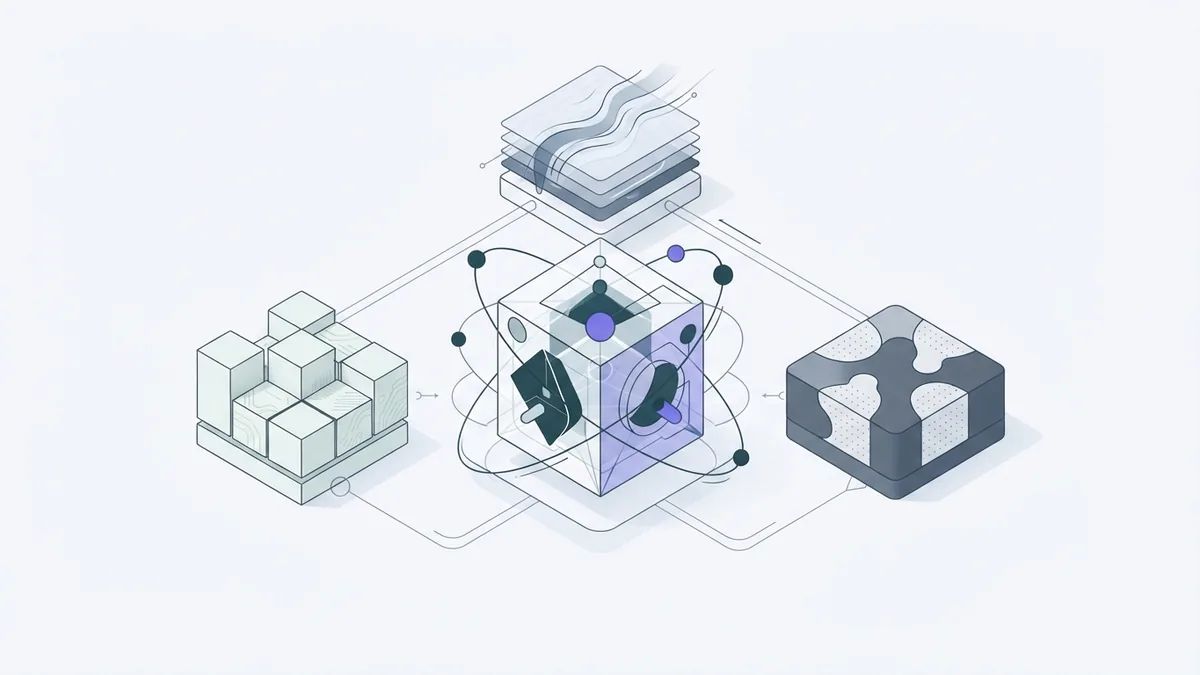
Build the smallest version that can finish the task. This keeps the first test set small and helps reveal weak instructions or missing data. It also makes changes easier to judge.
- Write the task: State the agent’s role, goal, and limits in plain language.
- Map the path: List the steps from the user’s request to the result.
- Add tools: Give the agent only the actions it needs.
- Link sources: Connect approved files, records, or help pages.
- Set handoff rules: Name cases that need staff review or more details.
- Try sample requests: Test common, unclear, and risky cases.
For a return-policy agent, the path can stay simple. It asks for an order date if that detail is missing. Then it finds the right policy and drafts a reply. It should not promise a refund unless an approved system confirms one.
Write instructions as rules the agent can follow. Say which source to use, how to handle missing facts, and what to do when sources disagree. “Use the current return policy. Ask for the order date if it is missing. Do not guess” beats “Be helpful.”
Good prompts guide agent behavior. To learn how to make AI prompts better, state the goal, source, limits, and answer format. Change one rule at a time, then test whether the result improves.
Keep each tool narrow and name it by its job. An agent that reads policy pages needs less access than one that can change customer records. Start with limited access, then add only what tests show is needed.
Connect Knowledge and Data Sources
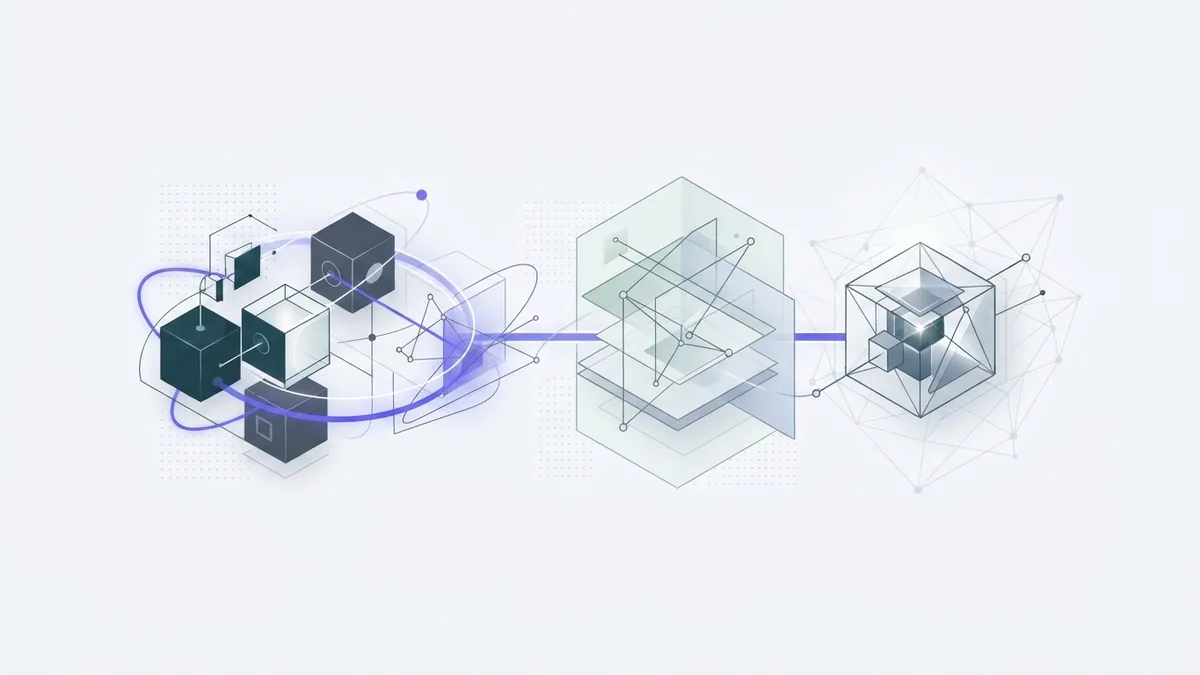
Data links help an agent give answers that fit your business. Without them, it may rely on broad model knowledge that lacks current details. A chatbot about returns needs the latest policy, not an old copy.
Pick sources that are approved, up to date, and easy to maintain. These might include help pages, product notes, or selected business records. Give the agent access only to the parts it needs for its task.
Make each source easy to search. Use clear titles, short sections, and consistent terms. Remove duplicate files and archive old versions. These steps help the agent find the right details.
Keep context current. If a user gives an order date or product name, pass that detail to the search step. This helps the agent find a closer match. Do not treat stored chat history as proof that a claim is true.
Check how the system handles private or sensitive data. Limit access by role, and avoid adding personal details without a clear need. Set a plan to review the sources when policies or products change.

Test and Refine the Agent
Testing in real cases shows where the agent needs work. Try common requests, incomplete questions, misspellings, and requests outside its role. Include cases that should trigger a human handoff.
Judge more than whether the answer sounds smooth. Check whether it used the right source, followed the limits, and gave a useful next step. A fluent answer can still be wrong.
- Does it find the right source for the request?
- Does it ask for missing details instead of guessing?
- Does it refuse actions outside its allowed role?
- Does it hand off sensitive or unclear cases?
- Can a staff member tell why it gave the answer?
Keep a test set of real, approved examples. After each change, run the same cases again. This helps show whether new instructions fixed one issue or caused another.
Refine instructions in small steps. If the agent invents policy details, tell it to cite the approved source or say it cannot find an answer. If replies are too long, set a short format. Change one part, then retest.
Track errors that matter to the task. For a support bot, useful measures may include correct policy matches, safe handoffs, and staff edits. A low response time matters only if the answer is still sound.
Scale and Extend What Works
When the first task works well, add one new capability at a time. You might let the agent draft a ticket or check a product record. Keep actions that change records behind a clear approval step.
Agents that plan steps and use tools are often called agentic AI. The label does not change the core design work. Set a goal, limit each tool, check the result, and give the agent a safe way to stop.
For a wider rollout, decide who owns the agent and its source data. Set a schedule to check instructions, access, and test results. Keep a record of changes so staff can trace a new error to a recent edit.
There is no need to train a new model just to expand a useful agent. First check whether better sources, clearer prompts, or a safe tool can solve the gap. Build a custom model only when you have a clear need and suitable data.
A reliable agent starts small and earns more work through testing. Clear limits protect users. Good source data keeps answers grounded. Steady review helps the tool stay useful as tasks and rules change.
Step-by-step
- 01 Choose one task
Name the user, task, and result. Set limits and note when a person must review the outcome.
- 02 Pick a build tool
Choose a no-code, low-code, or code-based tool that fits the task. Check data access, costs, and test features.
- 03 Add instructions, tools, and data
Write clear rules and give the agent only the tools it needs. Link approved sources that are kept up to date.
- 04 Test and refine
Try common, unclear, and risky requests. Fix one issue at a time, then run the same test cases again.
Frequently asked questions
- How do I make an AI agent?
- Choose one task, set limits, and pick a suitable build tool. Connect trusted data, write clear instructions, then test real requests before adding more actions.
- Can I make an AI agent without coding?
- Yes. No-code tools such as Microsoft Copilot Studio let you build agents with visual steps and data links. Check the plan limits and test the agent with your own cases.
- Do I need to make my own AI model to build an agent?
- Usually not. Many agents use an existing model with added instructions, tools, and trusted data. Training a model from scratch takes far more data and skill.
- How do I make an AI chatbot give accurate answers?
- Connect approved, up-to-date sources and tell the bot which source to use. Test likely questions and tell it to ask for missing details rather than guess.
- How hard is it to make an AI chatbot?
- A basic chatbot can be quick to set up with a hosted builder. A bot that uses private data or takes actions needs careful testing, access limits, and ongoing review.
Related reading

AI Agents — How They Work and Where They Help
See how AI agents work, where they help, and what teams must manage.

Anthropic AI — Claude, Safety, Uses, and Investment
Meet Anthropic, its Claude models, safety work, uses, and private company status.

AI Models — How They Learn, Work, and Shape Software
See how AI models learn patterns, create outputs, and support real-world tools.