What Is an AI Agent? How It Works and Where It Helps
See how AI agents plan tasks, use tools, and work within clear limits.

What Is an AI Agent?
What is an AI agent? It is software that works toward a goal with some independence. A person sets the goal and limits. The agent takes in information, chooses an action, and checks the result.
In simple terms, an agent can decide what step to take next. It may handle several steps before it needs new input. A basic chatbot often replies to a prompt but does not act through tools.
Many agents use a large language model, or LLM, to read requests and choose actions. The model is only one part of the system. Tools, memory, and safety rules shape what an AI agent can do.
For example, a support agent could sort a request, search approved help files, and draft a reply. A staff member can check the draft before sending it. The agent should pause before actions like refunds or account changes.
So, what can an AI agent do? It can handle a bounded task, such as finding facts, sorting records, or drafting a response. Its skills depend on its setup, not on human-like understanding.
Key Features and Core Parts
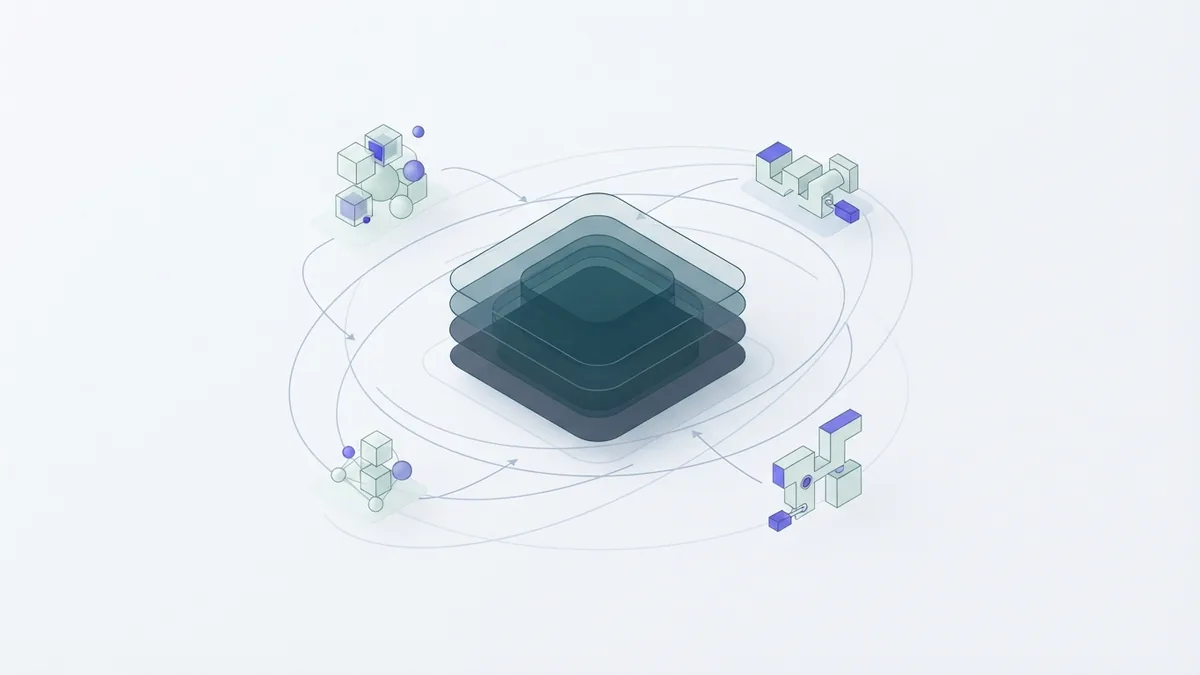
AI agent functionality often follows a loop: reason, plan, act, and observe. The agent reads a goal and breaks it into steps. After using a tool, it checks what happened and picks its next move.
Memory helps an agent keep track of the task or useful facts from past work. Short-term memory holds details during one task. Long-term memory can keep chosen facts across sessions, if the system allows it. Clear data rules matter because memory may hold private details.
Tools let an agent do more than write a reply. It might search files, check a calendar, or create a draft. An agent skill is a task it can carry out with the right tool and access.
- Reasoning: Weigh possible steps against the goal.
- Planning: Split a goal into tasks and set their order.
- Acting: Use approved tools to carry out a step.
- Observing: Check the result and spot errors.
- Collaborating: Share work with people, tools, or other agents.
- Self-refining: Use feedback to improve later choices.
These parts work as a team. The model picks a step, a tool carries it out, and the agent checks the result. Human review adds a safeguard when actions can affect people or money.
AI agent tokens are small pieces of text that a model reads or creates. They are not the same as skills or tools. Token limits can affect how much task history the agent can use at once.
How AI Agents Work and How to Set One Up
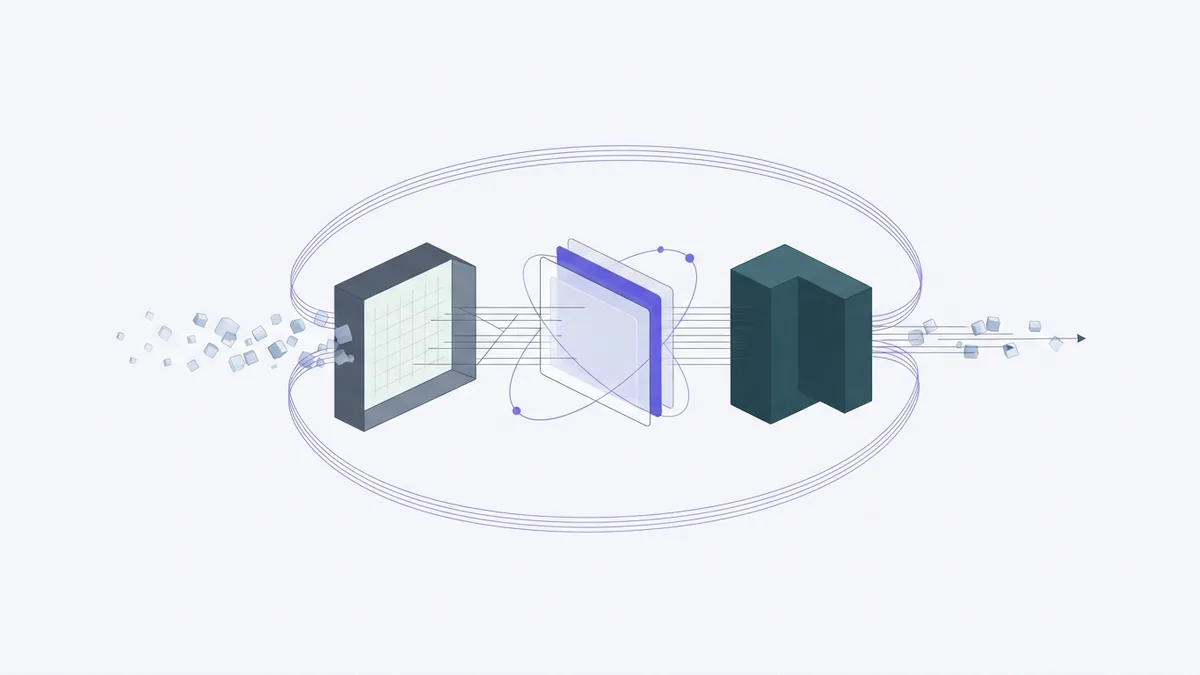
An agent starts with a goal, rules, and access to selected tools. Its model reads the request and picks a step. A tool might search approved files, read stored data, or create a draft. The agent checks the result, then continues, asks a person, or stops.
To set up an AI agent, start with one task that repeats and has a clear finish. “Help with support” is too broad. “Find an answer in these help files and draft a reply for staff review” gives the agent a safer aim.
Begin with limited access. Read-only tools or draft-only actions reduce the harm a mistake can cause. Add wider access only after tests show the agent follows its rules.
- Pick one task. Choose repeat work with a clear result, such as sorting incoming requests.
- Set the rules. Name the goal, trusted sources, and actions the agent must not take.
- Add needed tools. Start with read access or draft-only access.
- Set memory and review. Decide what it may keep and when it must ask a person.
- Test real cases. Try common requests, unclear cases, and edge cases.
- Track results. Record errors, staff edits, time saved, and actions taken.
Start with sample data or a small group. Keep a log so staff can see what the agent did. Measure correct results and time saved, not the number of actions it takes.
If staff must fix most of its work, narrow the task or improve its source files. Do not grant broad access just to make the agent seem more capable. Small steps make problems easier to find.

Types of AI Agents
Types of AI agents describe how they choose actions. A simple reflex agent responds to current input with fixed rules. It might route a message based on its subject. This is quick, but it can miss earlier context.
A model-based agent keeps an internal view of the task or setting. It can use past observations when the latest input is incomplete. A goal-based agent chooses steps that move toward a target, such as finding an open appointment slot.
Some systems use several agents in a multi-agent setup. One may gather facts, while another checks the result. A coordinator can assign tasks and combine the work. This kind of orchestration adds more moving parts, so teams need clear roles and checks.
These labels describe common designs, not strict product types. A single system may mix rules, a model, memory, and several tools. The right design depends on the task and the cost of mistakes.
Benefits of Using AI Agents
AI agents can save time on work that has many small steps. They can sort incoming requests, gather details from approved sources, and prepare drafts. Staff can then focus on choices that need judgment or care.
Agents can also help keep a workflow moving. For example, one could check a form for missing details, ask for them, and send a complete case to the right team. That can reduce handoffs and routine delays.
The gains depend on the task. A steady, well-defined process is easier to automate than work with changing goals. Track time saved, error rates, and how often people need to correct the agent.
Challenges and Safety Limits
An agent can make a confident mistake. It may use poor information, misread a request, or take the wrong step. Check its work when the result could affect money, access, health, or a customer.
Agents also lack human emotional insight. They can miss tone, context, or a person’s unstated needs. A kind-sounding reply does not prove the agent understands how someone feels.
Unpredictable settings pose another challenge. A tool may fail, a file may change, or a request may fall outside the agent’s rules. Set stop points, limit access, and make it easy for a person to take over.
Good management means knowing what the agent can access and what it has done. Keep useful logs, review errors, and remove tools that are not needed. Do not let the agent make high-impact choices without suitable checks.
What Comes Next for AI Agents?
Agents are becoming better at using tools and handling tasks with several steps. Teams are also exploring systems where agents share work. These changes may help with larger workflows, but they do not remove the need for clear goals.
Better memory and stronger checks may make agents more useful over time. Yet more memory can raise privacy risks, and more tools can widen the harm from a mistake. Each new feature needs a clear purpose and a safe test.
The best starting point is still a small task with a clear result. Give the agent only the tools it needs. Keep a person in charge of choices that carry real risk.
Frequently asked questions
- What is an AI agent in simple terms?
- An AI agent is software that works toward a goal. It can choose steps, use tools, and check what happened.
- What can an AI agent do?
- It can sort requests, search approved files, gather facts, and draft replies. Its actions depend on its tools and access.
- How do I set up an AI agent?
- Choose one repeat task with a clear result. Set rules, limit tool access, test common and unusual cases, then track its work.
- What are the main types of AI agents?
- Common types include simple reflex agents, model-based agents, goal-based agents, and multi-agent systems. Each type handles choices in a different way.
- What are AI agent skills?
- Skills are tasks an agent can perform with the tools and access it has. Examples include searching files or drafting a reply.
- What are AI agent tokens?
- Tokens are small pieces of text that a model reads or creates. They affect how much text the model can handle at once.
Related reading

AI Agents Explained: Numbers, Costs, Creation, and Uses
A clear guide to AI agent numbers, costs, design, training, and real uses.
Agentic AI — How It Works, Where It Helps, and What to Watch
See how agentic AI plans tasks, uses tools, and needs human checks.

AI Workflow Automation — How It Works at Work
See how AI can handle routine work, guide decisions, and link business processes.