Cloud Computing Application Development — From Design to Deploy
Learn how cloud apps work and why they help teams scale faster.

What Cloud Application Development Means
Cloud computing application development builds software that runs on remote cloud systems. It does not depend on one local server or office machine. Users reach the application through the internet, from approved devices and locations.
The cloud provider supplies servers, storage, networks, and key management tools. Your team builds the app, sets access rules, and manages its data. The provider then runs much of the underlying cloud infrastructure.
NIST's cloud computing definition describes shared access to computing resources. This model helps teams add resources when demand rises. It also lets them release unused capacity when demand falls.
Cloud computing software development can support web apps, mobile back ends, data tools, and business systems. A retail app might handle orders, stock, and customer data. A school platform might serve lessons, tests, and reports from one shared system.
Cloud Application Types and Service Models
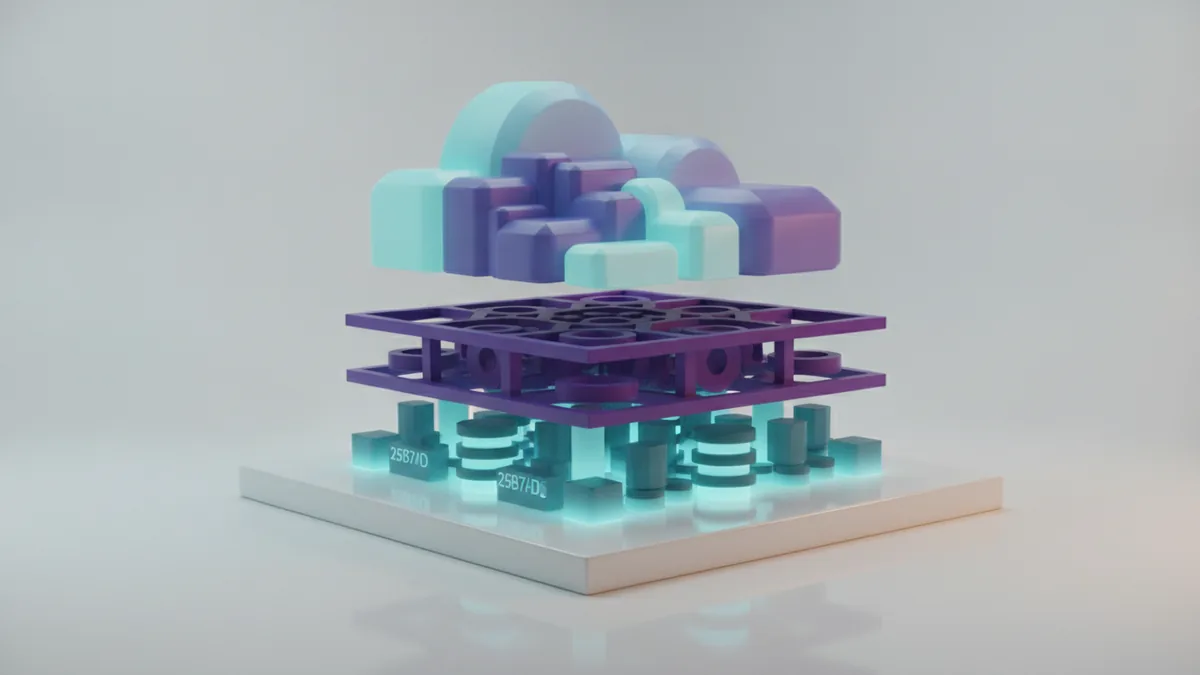
Cloud apps come in several forms. A public cloud app uses shared provider resources with strict customer separation. A private cloud app runs in a dedicated environment for one organization.
Hybrid apps join private systems with public cloud services. This setup can keep sensitive records in a private setting. It can still use public capacity for busy periods or new features.
| Model | What you manage | Best fit |
|---|---|---|
| SaaS | Users, settings, and business data | Ready-to-use business tools |
| PaaS | App code, data, and settings | Teams that want to build faster |
| IaaS | Systems, apps, data, and network setup | Teams needing more technical control |
SaaS means Software as a Service. Customers use a finished app through a browser or client. PaaS means Platform as a Service, which gives developers managed tools for building and running code.
IaaS means Infrastructure as a Service. It provides virtual machines, storage, and networks. The right model depends on your team, risk level, budget, and need for control.
Why Businesses Build Apps in the Cloud

Access is one of the clearest gains. Staff can use a cloud app from home, a branch, or a phone. They only need a safe connection and the right account.
Cloud systems also make scaling easier. You can add compute power during a sale or product launch. You can reduce it after demand drops.
- Lower hardware costs and less office server space
- Faster releases through managed build and test tools
- Shared data for teams in more than one location
- Better support for remote work and field teams
- Backup and recovery options from cloud providers
Cloud pricing can lower waste, but it needs active control. You may pay for idle servers, excess storage, or unused test accounts. A monthly cost check can keep cloud spending close to business value.
Cloud apps can also improve work flow. One order can update stock, billing, and delivery records in near real time. Staff spend less time copying data between separate tools.
How to Choose a Cloud Model

Start with the work the app must support. List its users, data types, peak loads, and links to other systems. Then mark the tasks that need fast response or strict access rules.
Choose SaaS when a trusted product meets your needs with little custom code. Choose PaaS when your team wants to build a distinct product without managing each server. Choose IaaS when you need deep control over the operating system or network.
- Set goals for speed, cost, uptime, and user growth.
- Classify data by risk and set clear access needs.
- Estimate normal use and peak use for the first year.
- Compare provider prices, tools, support, and exit terms.
- Test one small workload before a full cloud move.
Do not pick a model from price alone. Check data location, backup terms, service limits, and support hours. A low monthly bill can hide high work costs when a team lacks cloud skills.
Cloud computing development services can help with design, migration, testing, and ongoing support. Ask each provider to show its delivery plan and risk controls. Clear ownership prevents gaps after the first release.
Features Strong Cloud Applications Need
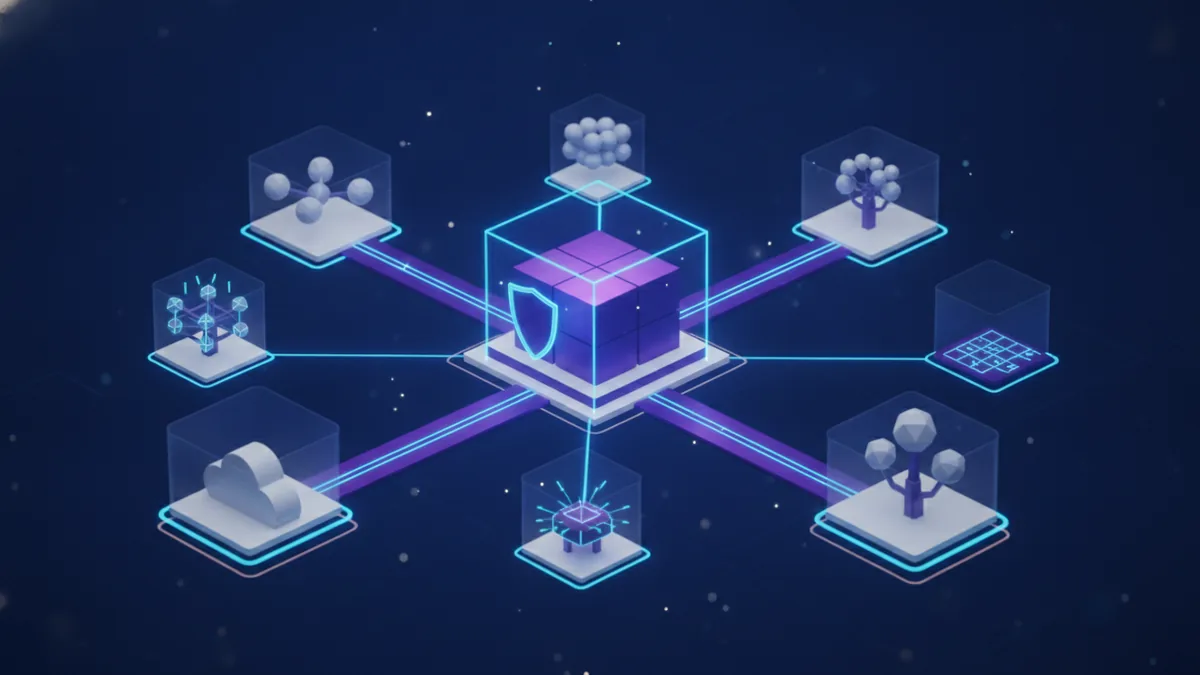
A strong cloud app starts with identity and access control. Each user should have only the access needed for their role. Multi-factor sign-in adds another check beyond a password.
Encryption protects data while it moves and while it rests. Cloud providers also ship regular security updates for many managed services. Your team must still fix app flaws, set safe access rules, and watch account activity.
Resilience matters when a service fails. Use health checks, backup copies, and clear recovery steps. Test those backups before an outage makes testing urgent.
- Role-based access for staff and service accounts
- Encryption for stored and moving data
- Logs that show key account and system events
- Alerts for failed jobs, odd access, and high costs
- Backups with tested restore points
- Simple screens that work on small displays
Good cloud apps also use clear service boundaries. Each part should have one main job and a known way to share data. This makes faults easier to find and changes safer to ship.
Best Practices for Cloud Software Development
Plan the app around small, testable parts. Store settings outside the code, and keep secrets in a managed secret store. Use separate spaces for development, testing, and live work.
Automated tests should run before each release. A build pipeline can check code, scan packages, and ship approved changes. Small releases reduce the size of each failure.
Track both user results and system health. Useful measures include response time, failed requests, restore time, and cost per active user. These numbers show where the app needs work.
Cloud services for developers can speed up this work. Managed databases, queues, file stores, and build tools remove much setup work. Still, a managed service does not remove the need for sound design.
- Set a budget alert for each project and team.
- Review access rights each quarter.
- Test recovery at least twice each year.
- Remove unused test resources after each project.
- Write a plan for moving data out if needs change.
Low-Code Tools and Faster Delivery
Low-code platforms let teams build apps with visual parts and small amounts of code. They can suit forms, approval flows, dashboards, and simple records. This approach can cut build time for narrow business tasks.
Low-code does not mean no planning. Teams still need data rules, access checks, tests, and backup plans. Poor design can spread errors faster through a shared platform.
Use low-code tools when the work is clear and the platform fits your needs. Use custom code when the app needs complex logic, high speed, or full control. A mixed approach often gives the best balance.
Cloud computing for developers now includes visual builders, code assistants, and managed data tools. These tools can help a small team ship useful features sooner. Human review remains vital for security and quality.
What Comes Next in Cloud Development
Cloud-native applications will keep using short services, managed data stores, and automatic scaling. Teams will place more focus on fast recovery and clear system health. This shift can support growth without a matching rise in server work.
Cloud analytics will help teams spot churn, waste, and slow work. Better event data can guide product changes and resource plans. It can also show whether a new feature saves staff time.
Automation will spread across testing, security checks, cost control, and release work. Low-code tools will help more business teams build small internal apps. Skilled developers will still guide system design and protect key data.
The best cloud computing development plan starts with a real business need. Pick a small workload, set clear measures, and test the design. Then scale the parts that show value.
Frequently asked questions
- What is cloud application development?
- Cloud application development builds software that runs on cloud systems instead of one local server. Users access the app through the internet.
- What are the three cloud service models?
- The main models are SaaS, PaaS, and IaaS. SaaS offers a finished app, PaaS offers build tools, and IaaS offers virtual computing resources.
- What are the benefits of cloud application development?
- Cloud apps can scale resources as demand changes. They also support remote access, shared data, and lower hardware needs.
- Are cloud applications secure?
- Cloud providers often offer encryption, access tools, logs, and regular updates. Your team must still set safe permissions and fix flaws in its own code.
- When should a business use low-code cloud development?
- Low-code tools work well for forms, approval flows, dashboards, and simple business apps. Complex systems may still need custom code and deeper control.
Related reading
Learn to Use AI for Study, Coding, and Business
Use AI to learn, code, and support business work with care.
Build an AI Agent That Handles Real Work
Plan, build, and test an AI agent for a focused task.
AI Agents — How They Work and Where They Help
See how AI agents work, where they help, and what teams must manage.