How Does Amazon Cloud Development Work? AWS Tools and CI/CD
Explore AWS cloud tools, safe workflows, and real-world uses for modern apps.
Introduction to Amazon Cloud Development
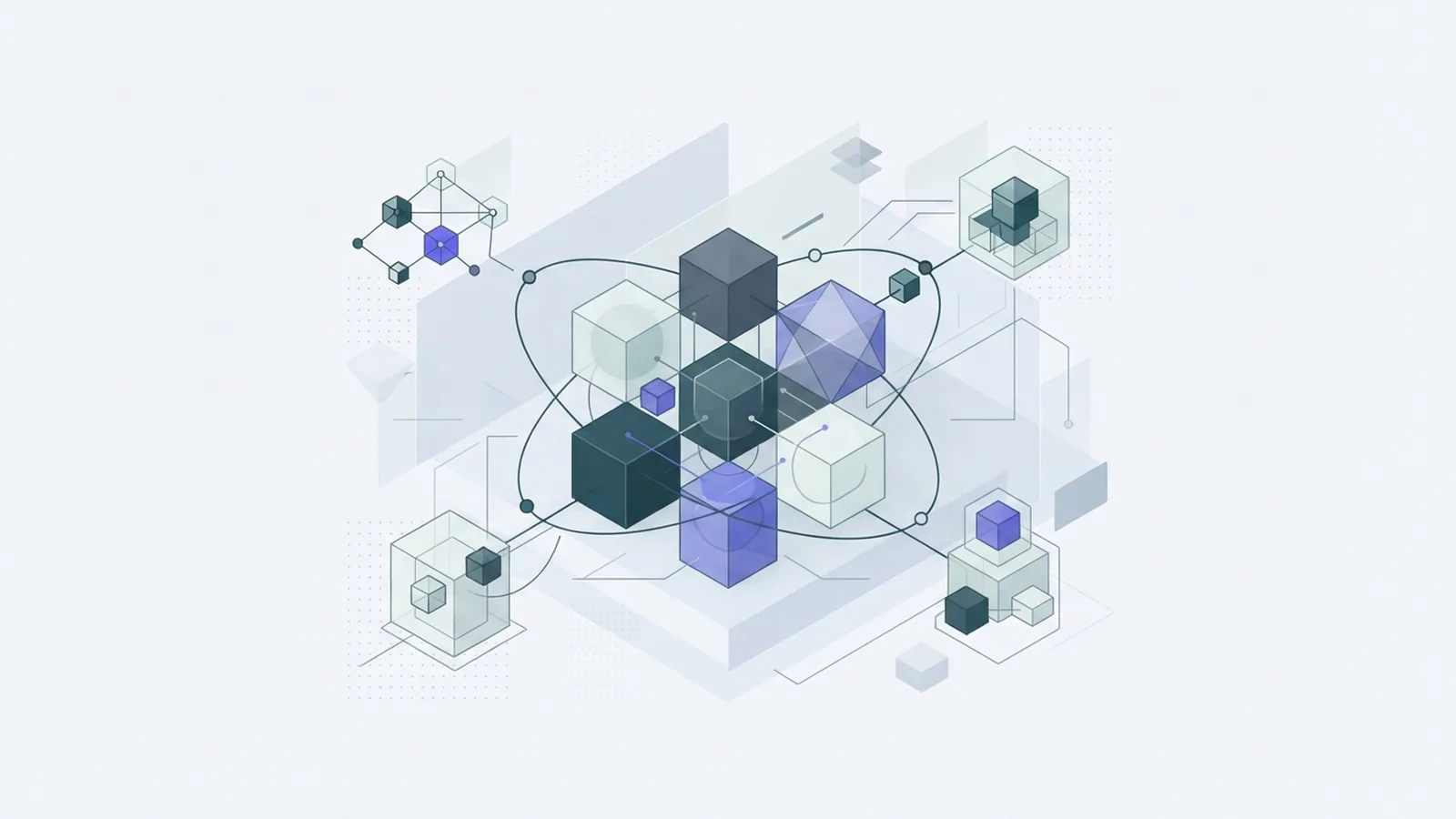
Amazon cloud development means building and running software with services from Amazon Web Services (AWS). Teams can use cloud tools for computing, storage, databases, networks, and app delivery. They can start without buying their own servers. They still need to plan how each part will work.
What is cloud development in this context? It is the work of building software that uses cloud resources. Developers write app code and set up the resources it needs. They test changes, release them, and watch the live system. This work can take place across a shared cloud development environment.
A basic setup might use Amazon EC2 for computing, Amazon S3 for file storage, and Amazon RDS for a database. Teams can link these services to form a cloud development platform. AWS offers many cloud development services, so the right mix depends on the app. A small site may need far less than a large data system.
Cloud development covers more than writing code. Teams also set rules for access, data, costs, testing, and release. A cloud development model should fit the app's needs and the team's skills. Start with a small design that people can test and understand.
- Build: Write app code and define its cloud resources.
- Test: Check code and resource changes before release.
- Deploy: Ship tested changes through repeatable steps.
- Run: Track health, access, security, and cost.
Benefits of Cloud Development
AWS can help teams spend less time buying and tending servers. They can add resources when demand grows, then scale back when it falls. This makes it easier to test a new idea without first buying hardware. It also gives teams a shared way to build and run apps.
Automation is a key benefit. Teams can describe cloud resources as code and reuse that code in test and live accounts. Reusable parts help keep each setup alike. Changes to a network or database can go through the same review as app code.
Cloud systems can also scale with demand. A busy web app may need more computing power at peak times. It may need less during quiet hours. Some AWS services can adjust capacity for the team. That helps an app grow, but cost checks still matter.
Cloud service development works best when teams plan for an app's full life. They need safe ways to test, ship, and watch each release. A shared workflow can reduce hand-offs between developers and operations staff. It also helps teams find and undo a bad change.
Easy setup does not mean free use. Old test systems, large data stores, and spare capacity can raise bills. Set budgets and alerts early. Review use as part of routine app care.
- Reuse tested code for common cloud resources.
- Set cost alerts before an app grows.
- Track changes so teams can find the cause of faults.
How the AWS Cloud Development Kit Works
The AWS Cloud Development Kit, or CDK, lets developers define cloud resources in code. It supports TypeScript, Python, Java, and .NET. Teams can use skills they already have. They can also keep app code and resource setup in version control.
A CDK app uses constructs. A construct is a reusable part that can stand for one resource or a group of linked resources. For example, a team could make one construct for a web service and its log store. Other apps can reuse that pattern.
When a developer deploys a CDK app, the tool turns its code into an AWS CloudFormation template. CloudFormation then creates or updates the cloud resources. The AWS CDK guide explains this flow and the tool's main parts. Teams should review planned changes before release.
The CDK does not replace design or testing. Teams still need to check access rules, data paths, and likely costs. Keep shared constructs small and easy to read. Clear parts are easier to review and less likely to hide side effects.
Use the CDK when a team wants code-based setup that can be checked and reused. It may not suit every small task. A simple resource may be faster to set up another way. Pick tools based on the team's needs, not habit.
AWS Development Tools and CI/CD
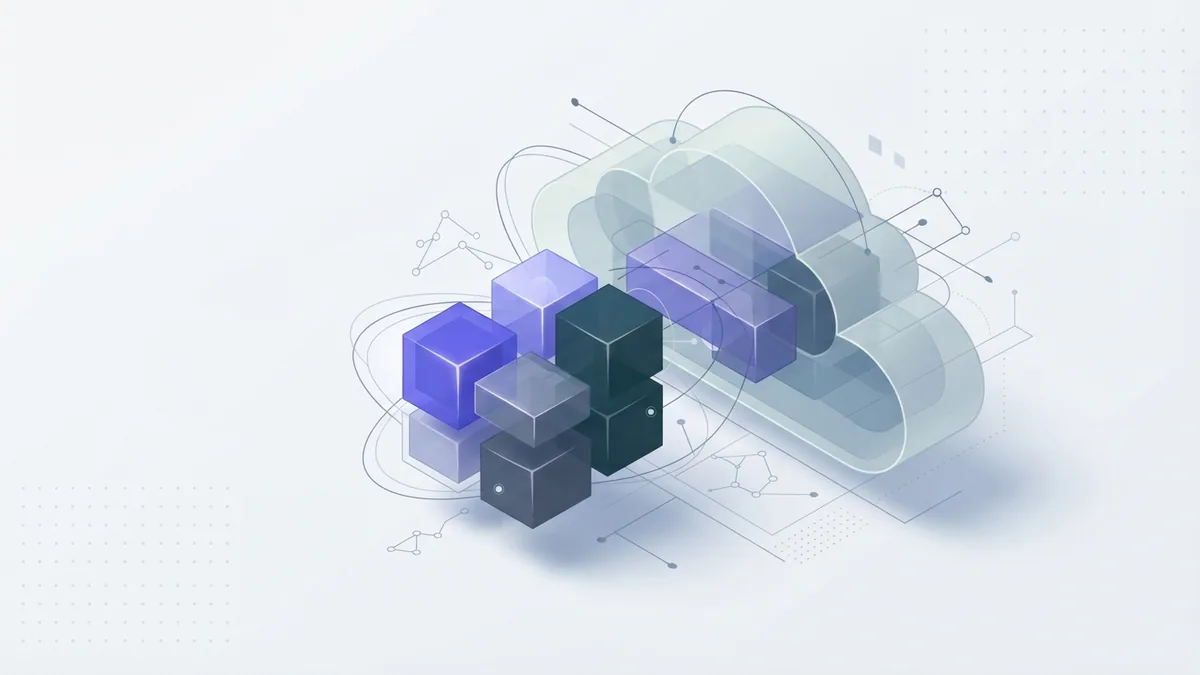
AWS offers tools for writing code, managing resources, and tracking apps. The AWS Command Line Interface lets developers run cloud tasks from a terminal. CloudFormation manages resources from templates. The CDK lets teams define those templates with code. Each tool serves a different part of the work.
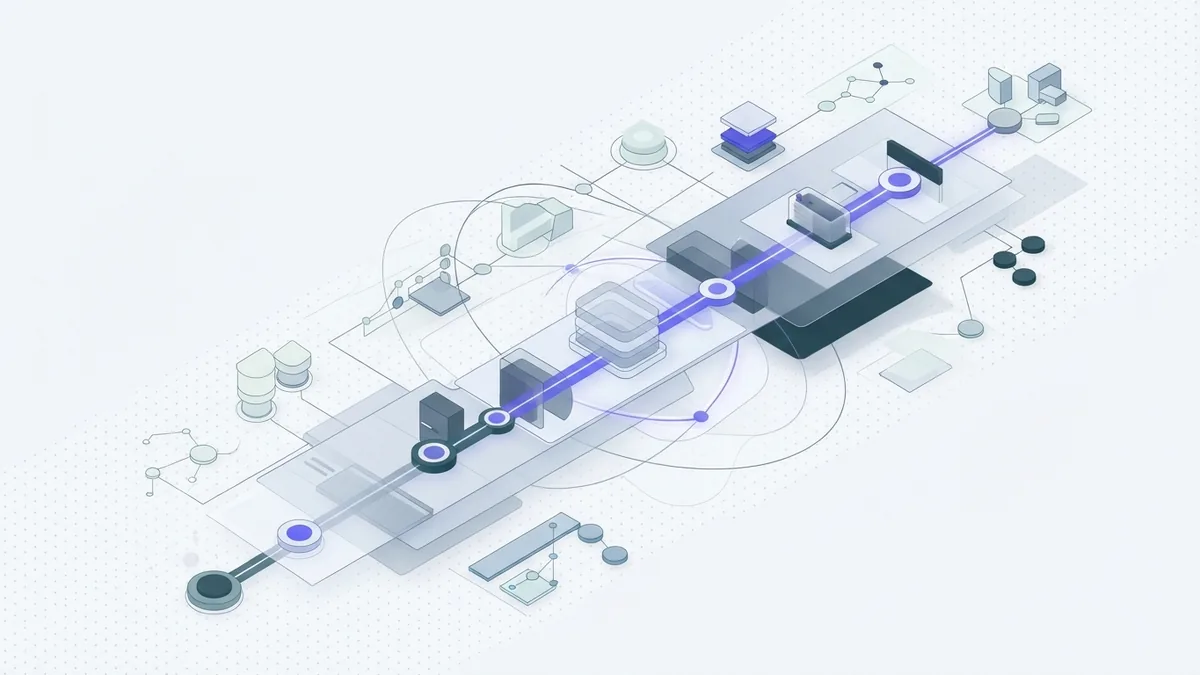
Continuous integration and continuous delivery, or CI/CD, help teams test and ship small changes. A workflow can run tests after each code update. It can then build the app and send it to a test account. After checks pass, a team member can approve the live release.
AWS CodePipeline can link steps in a release flow. Other tools can do this too. Keep the path from code change to release easy to follow. Store code and deployment files in version control. Give the team a clear way to stop or roll back a faulty release.
Start with a few checks that catch common faults. These may include code tests, resource checks, and a review of access rules. Add more checks as the app grows. A short, reliable flow is more useful than a complex one no one trusts.
Cloud development tools can speed up work, but they need care. Limit who can change live resources. Use separate test and live accounts when the app's risk calls for them. Keep records of releases and key settings.
Best Practices for Cloud Development
Plan security at the start, not after launch. Give each person and service only the access it needs. Protect sign-in details and keys. Remove access when a role or team changes.
Set rules for data and resource use. Some apps must meet legal or industry rules. Teams should learn which rules apply before storing data in the cloud. Keep a record of key choices, access rights, and changes.
Use infrastructure as code for resources that teams need to create again. Review code changes before they reach live systems. Keep test and live settings apart. This lowers the chance that a test change will affect real users.
Track system health and cost. Set alerts for faults, unusual use, and budget limits. Review logs after key releases. These steps help teams spot problems before they grow.
A cloud development company can help with design or setup when a team lacks time or skills. Still, the client team should keep control of access, code, and key design choices. Agree on support duties before work begins. Clear ownership matters after launch.
- Use only the access each user or service needs.
- Review resource changes before live release.
- Set alerts for cost and system faults.
- Keep a safe path to undo a bad release.
Use Cases and Applications
AWS cloud development supports many kinds of software. A web app may use separate services for its front end, data, and user sign-in. This style can help teams update one part without rebuilding the whole app. It also calls for good planning and clear service links.
Microservices are one way to split a large app into smaller parts. Each part handles a clear task and can be changed on its own. Teams need to track how the parts share data and pass requests. Small services can still become hard to manage without clear rules.
AWS can also support data processing workloads. Teams may gather files, process them, and store the results for later use. Cloud storage for developers can hold app files, test data, and backups. Set access rules that match the type of data being stored.
Java cloud development is one option for teams that already build with Java. The CDK also supports Java for defining cloud resources. Teams can use familiar code while making sure they understand the AWS services behind it. A language choice does not remove the need for sound system design.
For each use case, match the service to the need. Check how much data the app will hold, how fast it must respond, and how often it may change. Then test the design with a small workload. That can reveal cost or speed issues before wider use.
Conclusion and Future Trends
Amazon cloud development brings AWS services, code, and team workflows together. The CDK can help developers define resources in familiar languages. CI/CD can make testing and release more steady. Good security, cost checks, and clear ownership keep the system easier to run.
Cloud tools will keep changing, but the core work remains much the same. Teams must choose services that fit the app, test changes, and watch live use. They should learn new tools with small trials before relying on them. A simple system that people understand is easier to improve.
Begin with the app's needs and the team's skills. Pick a small set of AWS services and set clear rules for change. Then grow the system as real needs arise. This keeps cloud development focused on useful results.
Frequently asked questions
- What is Amazon cloud development?
- It is the work of building and running software with AWS services. This can include computing, storage, databases, networks, testing, and app release.
- What is the AWS Cloud Development Kit used for?
- The CDK lets developers define cloud resources in code. It supports TypeScript, Python, Java, and .NET, then turns that code into a CloudFormation template.
- Which languages can I use with the AWS CDK?
- The AWS CDK supports TypeScript, Python, Java, and .NET. Choose a language your team knows and can maintain.
- Why use CI/CD for AWS development?
- CI/CD can run tests and checks after code changes, then guide approved releases. This makes the release path more repeatable and easier to review.
- How can teams keep AWS cloud costs under control?
- Set budgets and alerts, review resource use, and remove systems that are no longer needed. Check costs as part of routine app care.
Related reading
What Is AI Inference? How It Works
See how AI models turn new data into useful answers and predictions.
What Is the Difference Between AI and Machine Learning?
AI is the wider field; machine learning is one way to build AI systems.
What Is Cloud Application Development? (Key Steps)
Learn how cloud apps are planned, built, secured, and scaled.