What Is Cloud Application Development? (Key Steps)
Learn how cloud apps are planned, built, secured, and scaled.
What cloud application development means
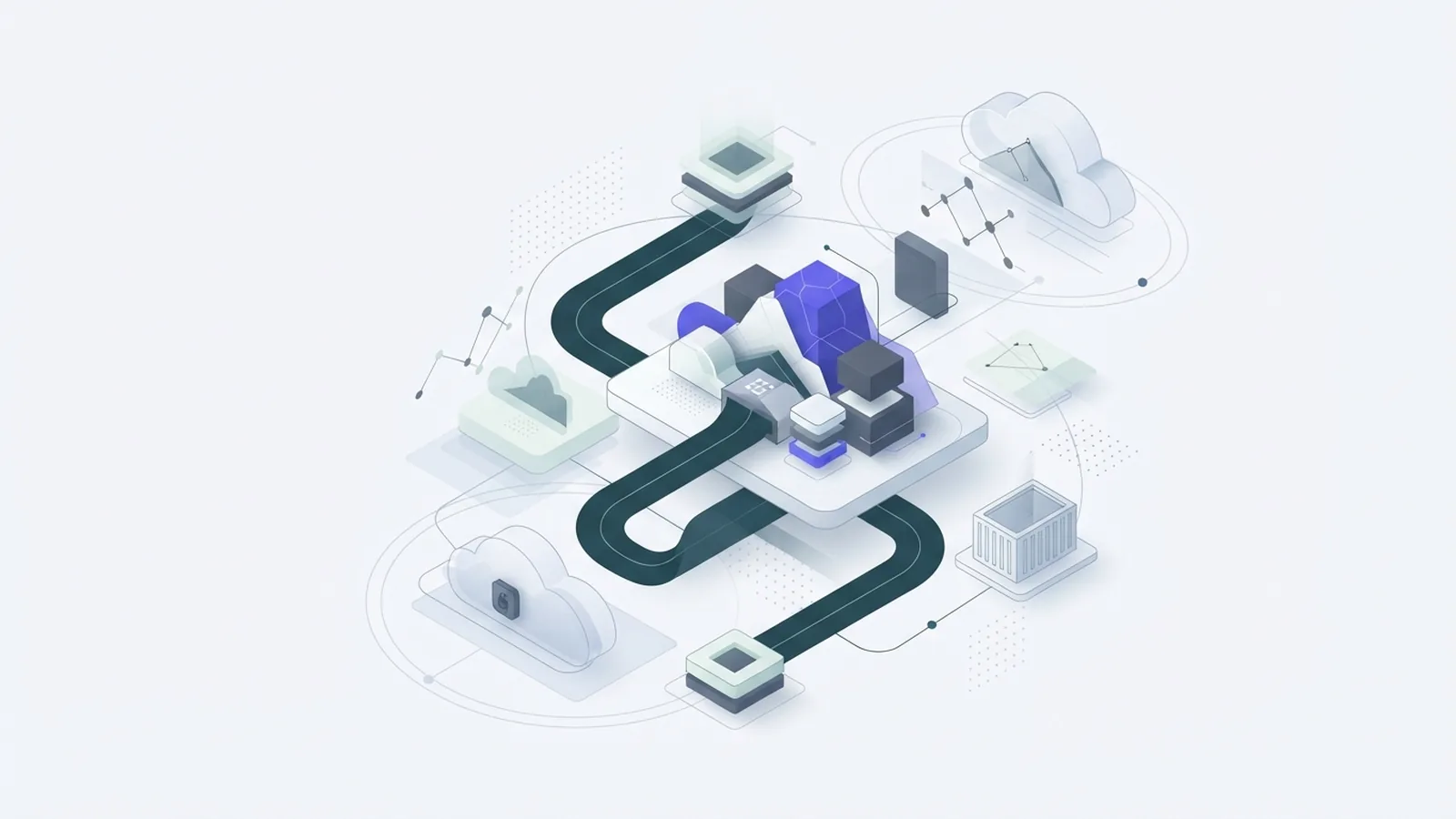
Cloud application development is the work of building software that runs on cloud services. A provider hosts the computing power, storage, and network tools behind the app. Teams can then scale those resources without buying and managing their own servers.
A cloud app may run in a web browser, on a phone, or through an installed program. It can store data online and connect to other services through an API, or application programming interface. That lets users work across devices while the business manages one shared service.
Cloud based application development can suit a new product or a move from older systems. The key is to plan for cloud use from the start, rather than simply copy an old app onto rented servers. This choice affects cost, speed, security, and how easily the app can grow.
Cloud does not mean “no infrastructure.” The provider runs the physical systems, while the team still makes choices about data, access, and app design. Clear ownership matters.
Why businesses use cloud apps
Cloud apps help teams respond to changes in demand. A company can add computing power during a busy period and reduce it later. This avoids the long wait and large upfront spend tied to buying new servers.
Teams can also ship changes faster. They can use hosted tools for testing, storage, and app hosting instead of building each part from scratch. Many providers offer managed updates, which can cut routine upkeep for a small engineering team.
Users gain cross-platform access when an app works through a browser or has versions for common devices. Staff can share the same data from different sites, subject to access rules. This can help a firm support remote work, partners, or customers in more places.
These gains depend on sound planning. Cloud services can bring ongoing fees, and poor settings can raise costs or expose data. The value comes from matching the app’s needs to the right cloud tools.
- Faster rollout: Hosted tools can shorten setup and test time.
- Flexible scale: Teams can adjust resources as demand changes.
- Easier upkeep: Providers handle some updates and system care.
- Broad access: Users can reach shared services across devices.
Choosing between SaaS, PaaS, and IaaS
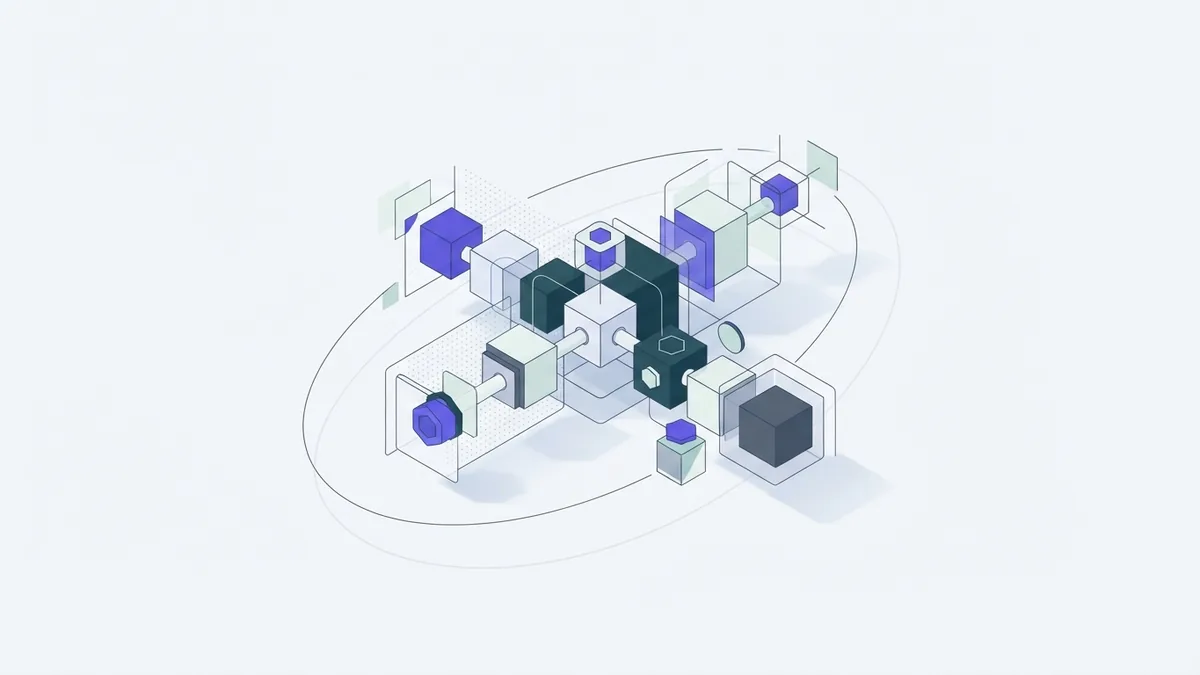
Cloud services come in three common models. SaaS, or Software as a Service, gives users a finished app over the internet. PaaS, or Platform as a Service, gives developers a hosted place to build and run their own apps. IaaS, or Infrastructure as a Service, rents core tools such as servers and storage.
Each model shifts a different share of work to the provider. SaaS needs the least app building, while IaaS gives the team more control. PaaS sits between them, with a managed base for custom software.
| Model | What the provider offers | Best fit |
|---|---|---|
| SaaS | A ready-to-use app | Teams that need a standard tool |
| PaaS | A hosted build and run platform | Teams making custom apps |
| IaaS | Virtual servers, storage, and networks | Teams that need deeper control |
For example, a small firm might use SaaS for email and customer tracking. A product team might pick PaaS to build a new booking service. A firm with strict system needs may use IaaS and take on more setup work.
Choose based on skill, control, and risk. SaaS can limit how much the app can change. IaaS gives more choice, but the team must manage more parts of the system.
Key tools and patterns in cloud development
Cloud-native development means designing an app to use cloud features well. Teams often split large apps into smaller services called microservices. Each service handles a clear task, such as billing or user sign-in, and can be changed on its own.
Containers package an app with the parts it needs to run. This can make it easier to move the app between test and live settings. Serverless architecture lets a provider run small units of code when needed, so teams need not manage a server for each task.
AI tools can help with tasks such as search, support, or sorting data. They need clear limits and checks, especially when they use private or sensitive information. A team should test the output and track how the feature affects users.
Other key tools include cloud storage, databases, monitoring, and API links to outside services. Pick tools that work well together and fit the team’s skills. A tool list should serve the app, not become the plan.
Custom cloud application development often uses several of these parts. A small app may need only a hosted database and one web service. A larger product may need separate services, backups, and tools to track errors.
A practical process for building a cloud app
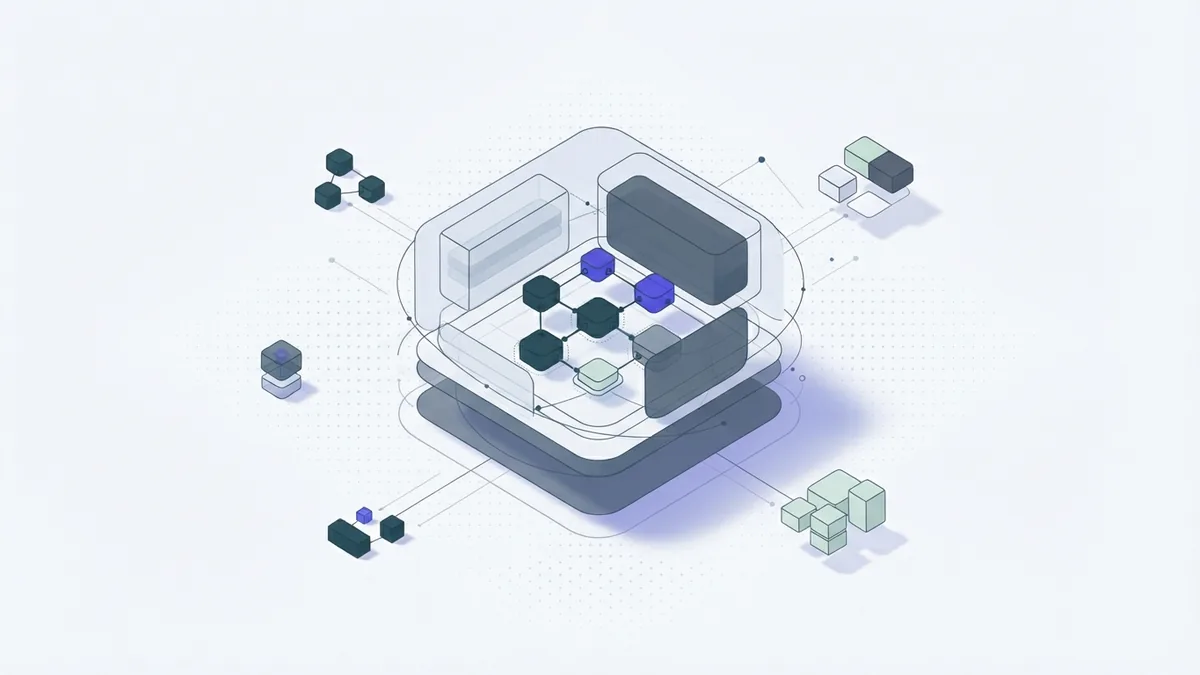
Start by defining the app’s purpose and its users. Write down the core task, the data it needs, and how success will be measured. For example, a booking app might aim to cut phone requests and show open time slots at any hour.
Next, set limits for cost, privacy, response time, and growth. Estimate how many people may use the app at launch and during peak periods. These figures do not need to be perfect, but they help guide early choices.
Compare cloud providers and service models against those needs. Check where data will live, what support is offered, and how fees change with use. A cloud application development company or service can help with this work, but the business should keep control of its goals and data rules.
Then plan the app’s architecture and choose tools. Decide which parts need separate services, how users will sign in, and where backups will sit. Keep the first version focused on core needs; add more features after real users test it.
Build, test, and release in small steps. Test normal use, peak demand, access rules, and recovery from failure. After launch, watch speed, errors, user feedback, and cloud bills, then fix the biggest issues first.
- Set the goal: Name the users, main task, and success measure.
- Set the limits: Note cost, data, speed, and growth needs.
- Pick a model: Compare SaaS, PaaS, and IaaS against team skills.
- Plan the design: Map data, services, access, and backups.
- Build and test: Check key tasks, load, and security before release.
- Track and improve: Review errors, use, feedback, and spend.
The right tools depend on the app, not the programming language alone. Python can work well for cloud apps, but hosting, data needs, and team skill matter more than language trends. Start with tools the team can support.
Common risks and ways to reduce them
Security risks include stolen sign-in details, weak access rules, and exposed data. Give each user and service only the access it needs. Use strong sign-in checks, keep keys out of code, and review access when roles change.
Data loss can follow a mistake, a system fault, or a harmful attack. Keep backups in a separate place and test that the team can restore them. A backup that has never been tested may fail when it matters most.
Cloud bills can also rise when teams leave unused resources running or store more data than planned. Set budget alerts and review use each month. Track cost by app or team so owners can act on a clear bill.
Provider outages and service lock-in need attention too. Keep a plan for key service failures, and know how to export important data. Teams do not need to avoid one provider, but they should understand the cost of moving.
Security in cloud applications is shared work. Providers protect their core systems, while customers still set many app and data rules. Write down who owns each task before the app goes live.
Where cloud application development is heading
Cloud use keeps growing as firms move more work online and link more services. For many businesses, cloud apps support business agility by making it easier to test ideas and serve new groups. They are now a core part of digital change plans.
Serverless tools and managed data services may reduce routine system work. Teams can spend more time on the app’s value and less time caring for base systems. This shift also makes cost tracking and service limits more important.
AI features are likely to appear in more business apps. Good teams will match each feature to a real user need, check data use, and give people ways to correct mistakes. Useful AI should make a task better, not add a feature for its own sake.
Cloud app work will still depend on strong basics: clear goals, safe data handling, steady testing, and sound cost control. Choose tools with care, keep the first release small, and improve it with evidence. That is how cloud projects turn into reliable business services.
Frequently asked questions
- What is cloud application development?
- It is the work of building apps that run on cloud services. A provider hosts core computing tools, while the team designs and manages the app.
- What is the difference between SaaS, PaaS, and IaaS?
- SaaS gives users a finished app, PaaS gives developers a hosted build platform, and IaaS rents core tools such as servers and storage. Each model gives the customer a different level of control.
- What are the main benefits of cloud apps?
- Cloud apps can scale with demand, reach users across devices, and reduce some upkeep work. They can also help teams release changes sooner.
- How do you start a cloud application project?
- Define the users, main task, data needs, and success measure first. Then compare providers, choose a service model, plan the app, and test a small first release.
- How can a business protect cloud app data?
- Limit access to what each user or service needs, protect sign-in details, and keep tested backups. Assign clear owners for app and data safety.
Related reading
What Is AI Inference? How It Works
See how AI models turn new data into useful answers and predictions.
What Is the Difference Between AI and Machine Learning?
AI is the wider field; machine learning is one way to build AI systems.
What Is the Best AI Chatbot? Compare Leading Apps
Compare top AI chatbots by task, features, price, and privacy.