Microsoft AI Platform: Features, Apps, and Deployment
A clear guide to Microsoft AI tools, apps, chatbots, deployment, and security.
What Is Microsoft AI Platform?
Microsoft AI Platform is a set of tools for building, testing, shipping, and managing AI apps. It gives teams one place to work with models, data, agents, and app code. The platform spans Azure AI services, Microsoft Foundry, and related developer tools.
It supports the full AI lifecycle. That cycle starts with data intake and model choice. It then moves through testing, release, use, and ongoing checks. Teams can also connect AI features to business systems and cloud services.
The platform is not one single program. It is a connected set of tools that work across Microsoft cloud services and local setups. This design helps small teams start fast. It also gives larger firms room to add strict controls.
Microsoft Foundry is now a key part of this stack. It helps developers create AI apps and agents from one work area. Microsoft describes Microsoft Foundry as a unified way to build and manage AI solutions.
Microsoft AI Platform Features and Tools
The main Microsoft AI Platform features cover model access, app design, data work, and system checks. Developers can choose models for chat, search, speech, vision, or code tasks. They can then test those models with real prompts and sample data.
Foundry also offers tools for agents. An agent can plan steps, call tools, and return an answer. Developers can set its limits and connect it to approved data. This helps teams move beyond a simple question-and-answer bot.
Quick-start templates can cut the time needed for a first build. A team might start with a support bot, a document search app, or a data assistant. Developers can then change the prompts, data sources, tools, and user flow.
- Model catalogs for comparing and using AI models
- Prompt and response testing for safer app design
- Tools for search, data grounding, and agent actions
- Tracing that helps teams find errors in each app step
- Links to Azure services, code tools, and access controls
Model choice still matters. A small model may suit a short help task. A larger model may handle hard research or code work. Testing with real user needs gives better results than choosing by model size alone.
How to Build AI Applications with Microsoft Foundry
To build AI applications, begin with one clear job. For example, an app might answer staff questions from a policy library. A narrow goal makes it easier to pick data, test answers, and set success rules.
Next, select a model and add trusted data. Data grounding lets the app use source records instead of guessing from general training. The data may come from files, a search index, or a business system.
Foundry supports both quick starts and deeper custom work. A template can create the first app flow in a short time. Code and settings then let developers shape the app for their own needs.
- Set the task. Define the user, the goal, and the answer the app should give.
- Choose a model. Compare cost, speed, context size, and answer quality.
- Add trusted sources. Connect the app to data that users already rely on.
- Test key cases. Try normal questions, edge cases, and unsafe requests.
- Track results. Review answer quality, speed, cost, and failed tool calls.
Keep the first release small. A pilot with 20 to 50 common questions can expose weak data or poor prompts. Fix those gaps before adding more tools or wider access.
Using a Microsoft AI Chatbot
A Microsoft AI chatbot is an app that uses an AI model to hold a conversation. It reads a user request, weighs the context, and creates a reply. It may also search records or call a tool before it answers.
That is the basic answer to “how an AI chatbot works.” The bot receives an input, adds rules and useful context, then sends the request to a model. The app checks the result and shows it to the user.
To learn how to use a Microsoft AI chatbot, start with a defined role. Tell the bot what it can answer and what it must refuse. Add a handoff path when the user needs a person.
A good chatbot also needs source limits. For a support bot, allow search across approved guides only. Show source links when the task calls for proof. Block access to private records unless the user has permission.
Teams can measure a bot with simple checks. Track answer accuracy, response time, repeat questions, and human handoffs. Review failed chats each week. Those checks show where the bot needs better data or clearer rules.
Microsoft AI Deployment Options
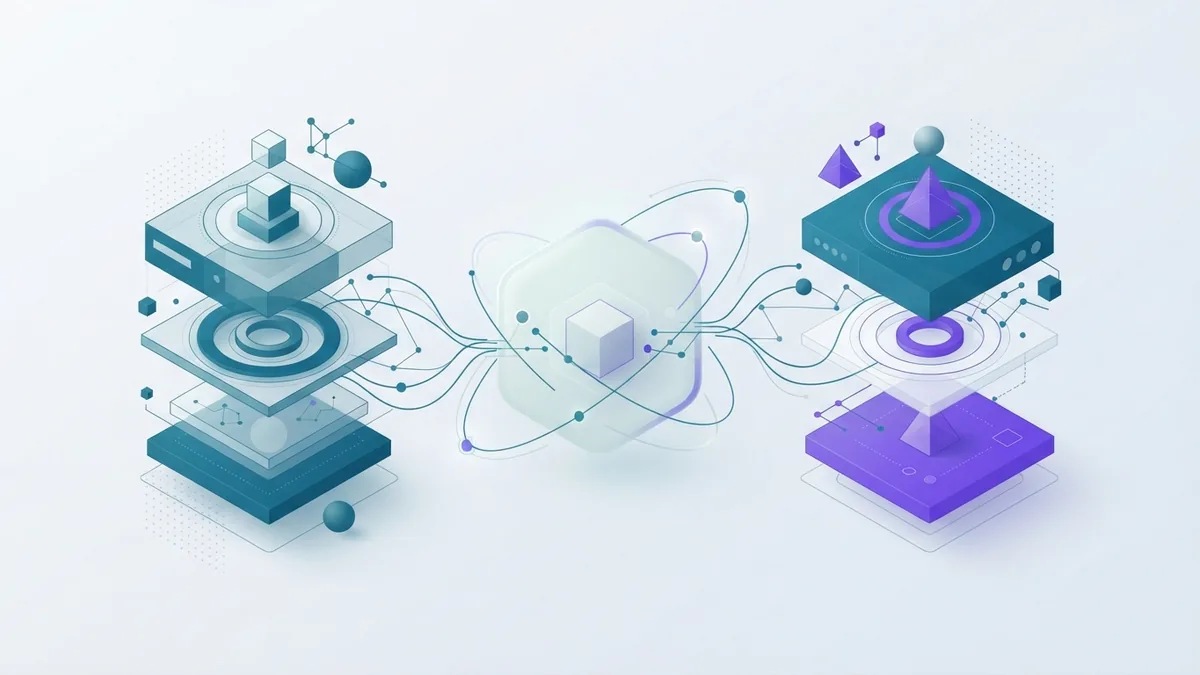
Microsoft AI deployment options include cloud, local, and hybrid designs. A cloud setup runs most parts through Azure. It can scale with demand and connect to many managed services.
A local setup keeps some models, data, or app parts on a company site. This can help when data must stay within a controlled network. It may also suit sites with weak links to the public cloud.
A hybrid setup splits the work. Sensitive data may stay local, while a cloud service handles other tasks. Teams must then plan data flow, identity, speed, and failure recovery.
| Setup | Best fit | Main trade-off |
|---|---|---|
| Cloud | Fast scale and broad service access | Needs strong cloud access controls |
| Local | Strict data control or offline work | Needs more hardware and upkeep |
| Hybrid | Mixed data rules and varied workloads | Needs careful links between sites |
Before release, set a clear path from test to live use. Keep separate data and access rights for each stage. Record model versions and app changes. This makes faults easier to trace.
Cost also changes by setup. Cloud costs often rise with model calls and stored data. Local costs shift toward hardware, power, and staff time. A short pilot can reveal the best fit.
Microsoft AI Security and Governance
Microsoft AI security starts with identity, access, and data rules. Each user and service should get only the access it needs. Teams should also protect keys, logs, prompts, and stored results.
Security must cover the full app flow. Check the data source before the model sees it. Filter private fields when possible. Scan outputs for harmful content or unwanted data leaks.
Governance tools help teams watch and control system performance. They can track model use, answer quality, risk signals, and tool calls. A review trail can show who changed a prompt or released a new version.
Microsoft's responsible AI guidance covers key risks such as unfair results, privacy loss, and weak oversight. Use it with your own risk plan. Rules should match the data, users, and harm level of each app.
- Limit access by role, task, and data need
- Log key prompts, tool calls, and release changes
- Test for unsafe, false, biased, or private outputs
- Set human review for high-impact decisions
- Watch cost, speed, quality, and failure rates after release
No platform removes the need for good app design. Teams still need threat tests, data checks, and clear owner roles. Governance works best when it starts before the first live release.
What Comes Next for Microsoft AI?
Microsoft is moving from single AI prompts toward connected agents. These systems can plan tasks and use approved tools. They may help with research, service work, code review, or data analysis.
That shift will raise the need for better controls. An agent can take more actions than a basic chatbot. Teams will need limits on tools, budgets, data access, and approval steps.
Model choice will also become more flexible. Some tasks may use a small model for speed. Others may use a larger model for deep reasoning. The platform's value will come from managing that mix well.
For buyers and developers, the best next step is a focused pilot. Pick one workflow with clear data and a measurable result. Test it with real users. Then expand only after the app proves useful, safe, and affordable.
Is Microsoft AI Platform Right for Your Team?
Microsoft AI Platform suits teams that want one path from idea to live AI app. It offers models, app tools, agent features, deployment choices, and system checks. It also fits firms that already use Azure or Microsoft identity tools.
It may not suit every small experiment. A simple API call can be enough for a basic proof of concept. The wider platform becomes more useful as data, users, tools, and risk grow.
Start with the task, not the model. Set a quality goal, a cost limit, and a review plan. That approach turns a broad AI platform into a useful business tool.
Frequently asked questions
- What is Microsoft AI Platform?
- Microsoft AI Platform is a connected set of tools for building, testing, deploying, and managing AI apps. It includes Microsoft Foundry and Azure AI services.
- What are the main Microsoft AI Platform features?
- Key features include model access, prompt testing, data grounding, agent tools, tracing, deployment choices, and governance checks.
- What is Microsoft AI chatbot?
- A Microsoft AI chatbot is a conversational app that uses an AI model to answer requests. It can also search approved data or call business tools.
- How do I build an AI application with Microsoft Foundry?
- Define one task, choose a model, add trusted data, test key cases, and track results. You can start with a template or build a custom flow.
- What are Microsoft AI deployment options?
- You can run AI apps in the cloud, on local systems, or across a hybrid setup. The best choice depends on data rules, scale, speed, and cost.
- How does Microsoft AI security protect apps and data?
- Security uses identity checks, role-based access, data controls, logs, output checks, and review steps. Teams must still set their own risk rules.
Related reading

AI Chatbots (How They Work and Where They Help)
Learn how AI chatbots work, where they help, and what to watch for.
What Is an AI Agent? How It Works and Where It Helps
See how AI agents plan tasks, use tools, and work within clear limits.
Agentic AI — How It Works, Where It Helps, and What to Watch
See how agentic AI plans tasks, uses tools, and needs human checks.