AI Workflow Automation — How It Works at Work
See how AI can handle routine work, guide decisions, and link business processes.
What AI workflow automation means
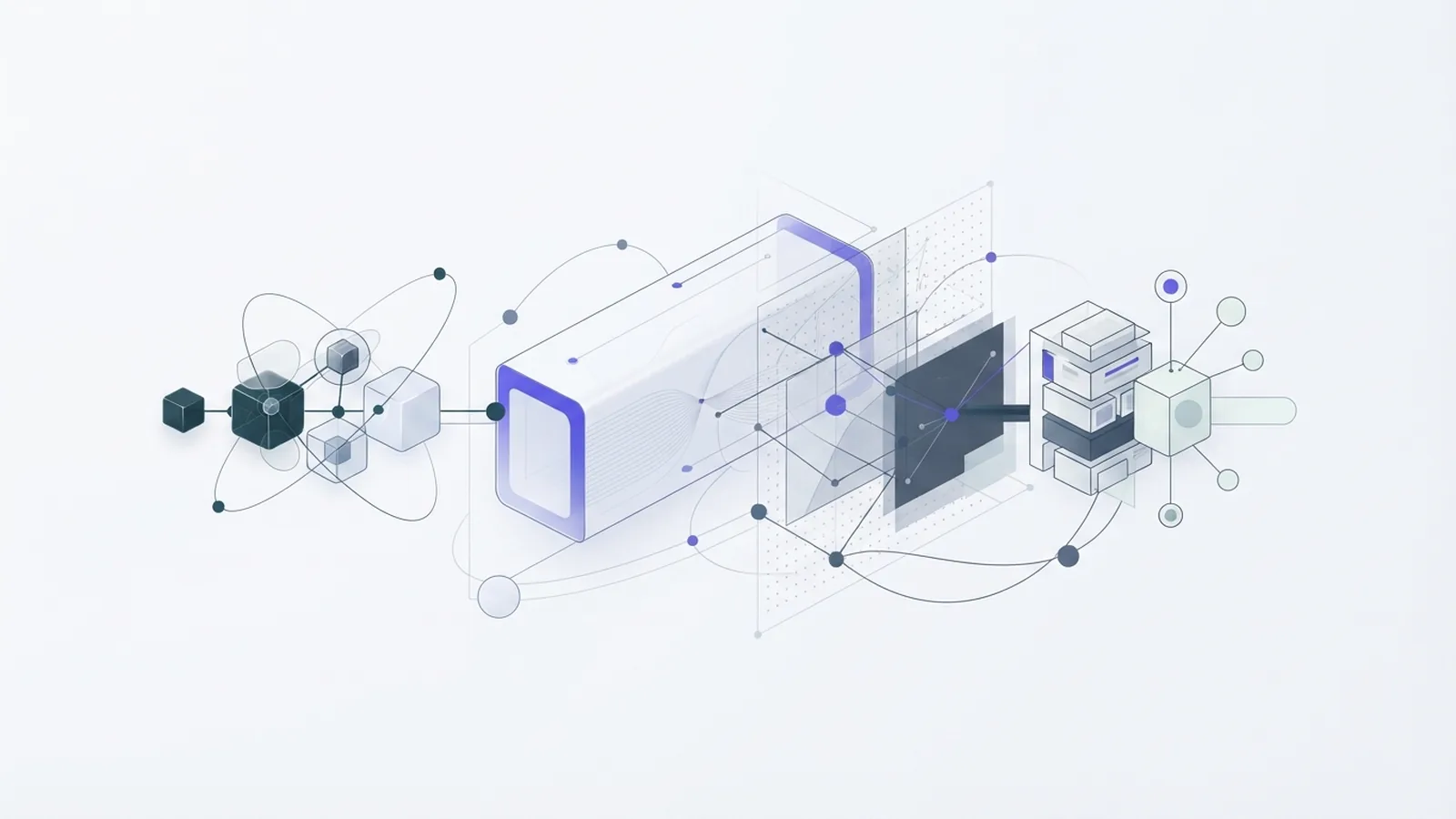
AI workflow automation uses artificial intelligence to manage and improve tasks that make up a business process. It can read incoming information, choose a next step, and pass work to a person or another tool. Unlike a fixed script, it can respond to varied requests and messy data.
A workflow is a set of linked tasks with a goal, such as reviewing an invoice or answering a support request. AI can sort inputs, draft replies, extract details, or flag unusual cases. People still set goals and rules, and should review actions that carry risk.
The aim is not to automate every task. It is to reduce routine work while keeping clear oversight. Good workflows make work faster and easier to track.
- Input: A message, form, file, or event starts the process.
- Reasoning: An AI model interprets the input or suggests an action.
- Action: Connected tools update records, route work, or prepare a response.
- Review: A person checks exceptions or approves sensitive steps.
How it differs from traditional automation
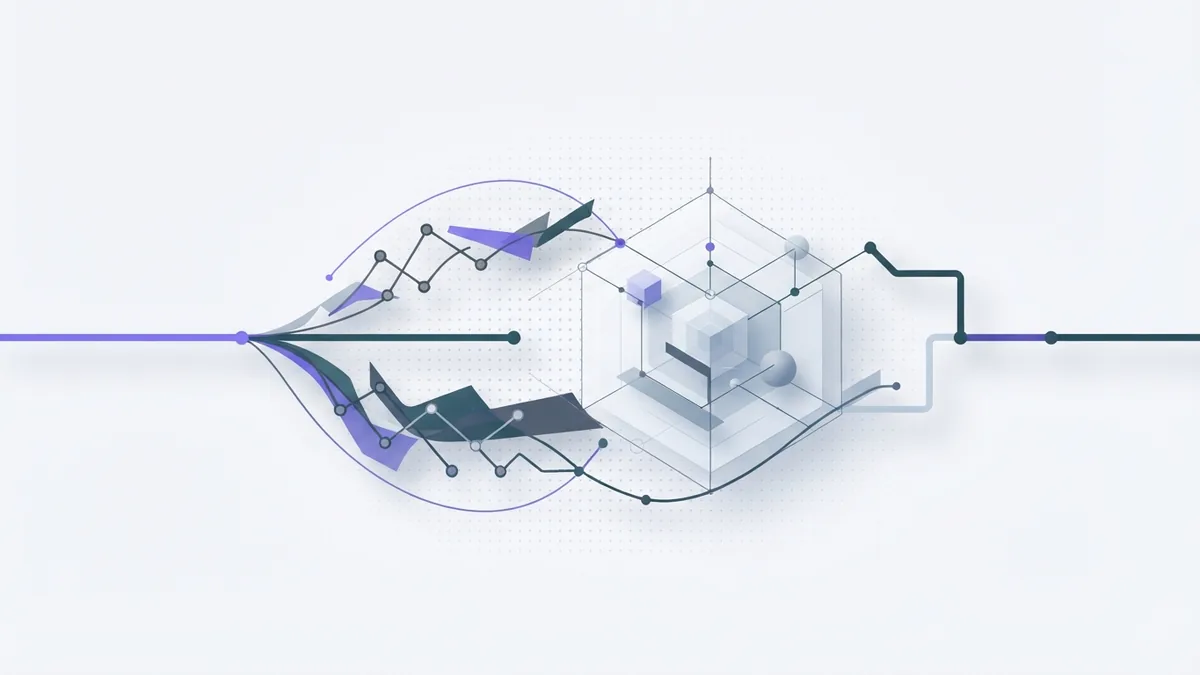
Traditional automation follows set rules. For example, a rule can send every form with a marked box to the same team. It works well when inputs and outcomes stay predictable.
AI adds the ability to interpret intent and handle unstructured data. That includes plain text in emails, notes, and documents. A system could sort a request by meaning, even when the sender uses different wording.
AI does not make a workflow fully independent. It can misread a request or return a weak answer. Use fixed rules for clear, repeatable steps, then add AI where judgment or language handling helps.
| Feature | Traditional automation | AI workflow automation |
|---|---|---|
| Input | Set fields and known formats | Text, files, and varied data |
| Decision | Rules set in advance | Model-based interpretation with rules |
| Best fit | Stable, repeatable tasks | Tasks with changing content |
| Oversight | Check rule outcomes | Review model output and exceptions |
Key benefits for business teams
The main benefit is less time spent on repetitive work. AI can sort requests, pull facts from files, and draft routine replies. Staff can then focus on choices that need context or care.
Automation can also reduce manual errors. A workflow can check whether key fields are present before it sends a record onward. That does not remove the need for review, but it can catch gaps earlier.
Linked workflows can help teams share work across departments. For example, a new hire process can pass approved details from HR to IT and payroll. Teams gain a clearer view of status and delays.
Measure gains with a baseline. Track time per task, error rates, waiting time, and the share of cases needing human review. These figures show whether the change helps in practice.
- Less copying and sorting by hand
- Faster routing of common requests
- More consistent checks and records
- Clearer handoffs between teams
How an AI workflow works

A workflow starts with a trigger, such as a new email or file. The system gathers the needed data from connected tools. Machine learning (ML) finds patterns in data and can help sort or score cases.
Natural language processing (NLP) helps software work with human language. It can find a request type, key details, or a likely reply. Robotic process automation (RPA) uses software bots to carry out set actions, such as copying approved data between older tools.
These parts can work together. NLP can read an invoice, ML can flag a likely mismatch, and RPA can enter approved details. A person can check uncertain cases before payment.
Set limits around what the system may do. Some workflows can run low-risk steps on their own. Others should stop for approval before changing records, sending messages, or moving money.
Where businesses use AI workflows
In HR, a workflow can sort applications, answer common policy questions, or help prepare onboarding tasks. A person should make hiring choices and check any advice that affects an employee.
Finance teams can use AI to read invoice details, match records, and flag odd charges. Marketing teams can sort feedback, group campaign requests, or draft content for review. These uses can speed up work, but do not replace sound checks.
IT teams can classify support tickets and route common issues to the right group. Customer service teams can summarize a case, suggest a reply, or send routine questions to self-service. Staff should take over when a case is unclear or sensitive.
Start with one workflow that has a clear owner and a measurable result. For example, track how long ticket sorting takes before and after a pilot. Avoid broad claims about savings until the results support them.
Challenges and safeguards to plan for

Data integration can take more effort than the AI model itself. Teams may store the same facts in separate systems or use different field names. Map where data comes from, who can use it, and how each tool passes it along.
Governance means setting rules for data access, reviews, and record keeping. Limit access to what the workflow needs. Keep a record of key actions so staff can check what happened when an error occurs.
User adoption matters, too. Staff need to know what the system can do, where it can fail, and how to report a problem. Bring the people who do the work into testing before a wider launch.
Test edge cases, not just the easy examples. Check misspelled names, missing fields, unusual requests, and files in different formats. Keep a person in the loop if a wrong action could harm a customer or create a costly mistake.
Steps to create and roll out an AI workflow
To create an AI workflow, begin with the task, not the tool. Choose a process with repeated steps, enough useful data, and a clear pain point. Write down its current path, including waits, handoffs, and exceptions.
Next, decide where AI adds value. Use it to interpret language or find patterns, and use rules for fixed checks. Add RPA only when a system needs a reliable way to carry out a set action.
When choosing the best AI workflow automation tool, check how it connects to your current systems. Test data controls, approval options, error logs, and ease of change. Run a small pilot with real users before committing to a broad rollout.
- Pick one process. Set a clear goal, such as faster ticket sorting or fewer invoice errors.
- Map each step. Note the trigger, data, owner, decision, and handoff for every stage.
- Set safe limits. Mark which actions can run alone and which need a person's approval.
- Build and test. Use sample cases, including missing data and unusual requests.
- Measure the pilot. Compare task time, error rates, and review needs against your baseline.
- Improve before scaling. Fix weak steps, train users, and expand only when results hold.
There is no single best tool for every team. The right choice depends on your data, current software, risk level, and staff skills. A small, well-tested workflow often teaches more than a large launch.
Frequently asked questions
- What is AI workflow automation?
- It uses AI to interpret information and manage linked business tasks. It can sort inputs, suggest actions, and pass work between tools or people.
- How is AI workflow automation different from traditional automation?
- Traditional automation follows fixed rules and known inputs. AI can also interpret varied language and unstructured data, but its output needs suitable checks.
- What technologies power AI workflow automation?
- Common parts include machine learning, natural language processing, and robotic process automation. Together, they can interpret data and carry out set actions.
- Which business teams can use AI workflow automation?
- HR, finance, marketing, IT, and customer service teams can use it for tasks like sorting requests, reading files, and routing work.
- How do I choose an AI workflow automation tool?
- Check its links to your current systems, data controls, review steps, and error logs. Test it with a small workflow before wider use.
- What are the main risks of AI workflow automation?
- Common challenges include poor data links, unclear access rules, weak review steps, and low user trust. Test unusual cases and set clear limits.
Related reading

Use Agentic AI to Run Workflows (Safely and Well)
Put agentic AI to work on multi-step tasks with clear goals and human checks.

Agentic AI — How It Works and Where It Fits
See how agentic AI plans, acts, learns, and handles complex tasks.

Use AI to Analyze Excel Data (Tools and Steps)
Clean, explore, and visualize Excel data faster with AI tools and clear checks.